

 Back
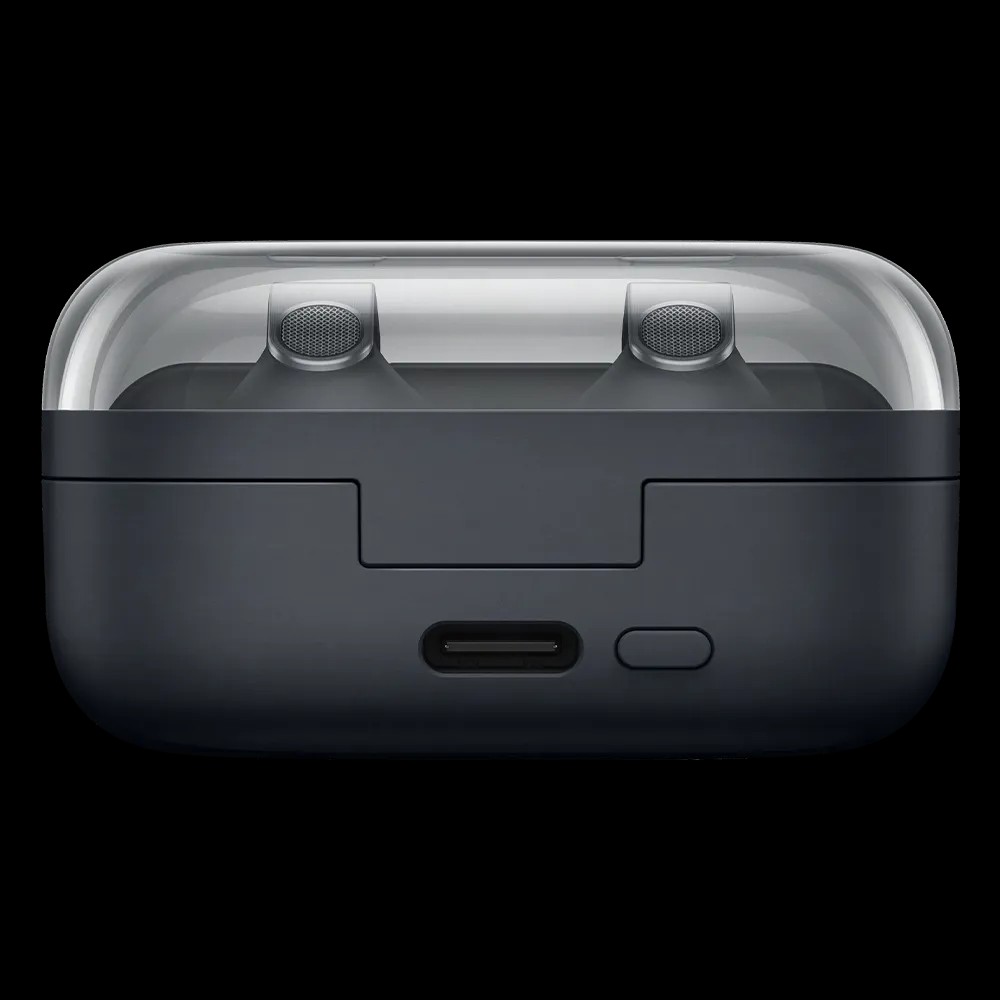
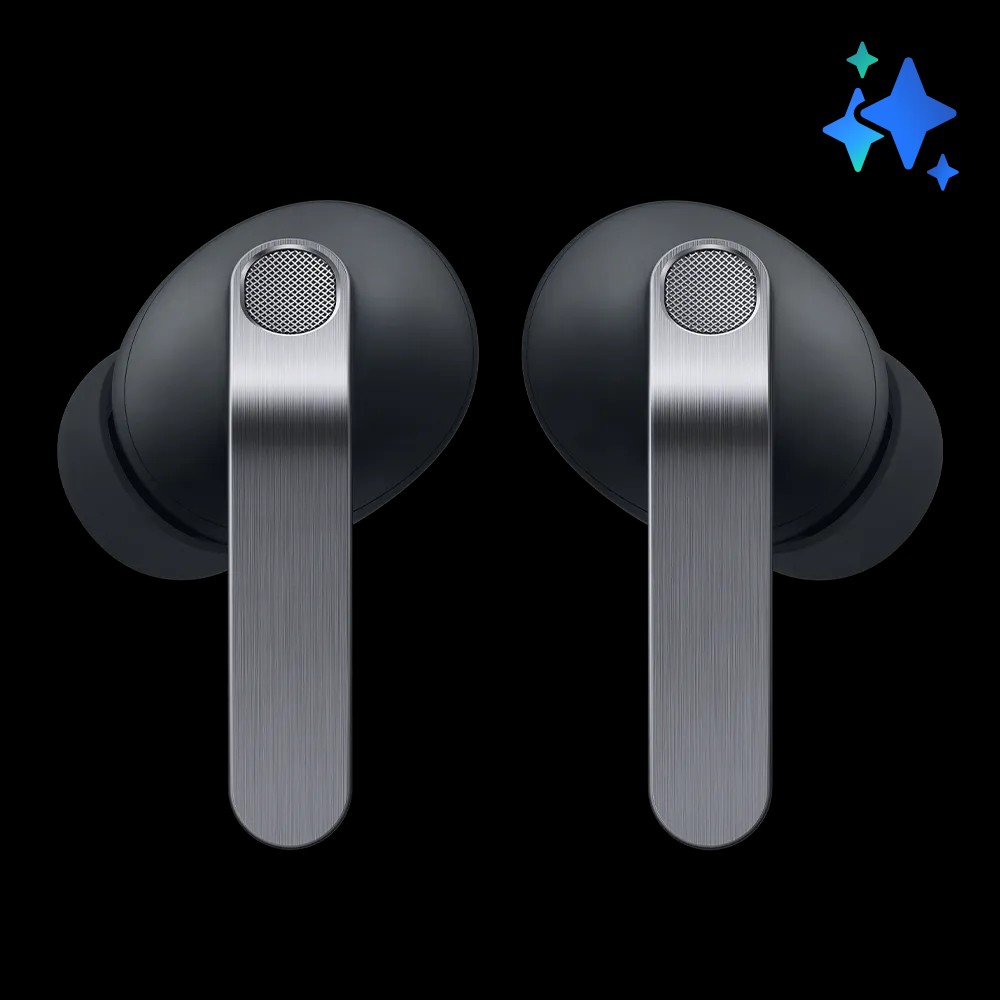
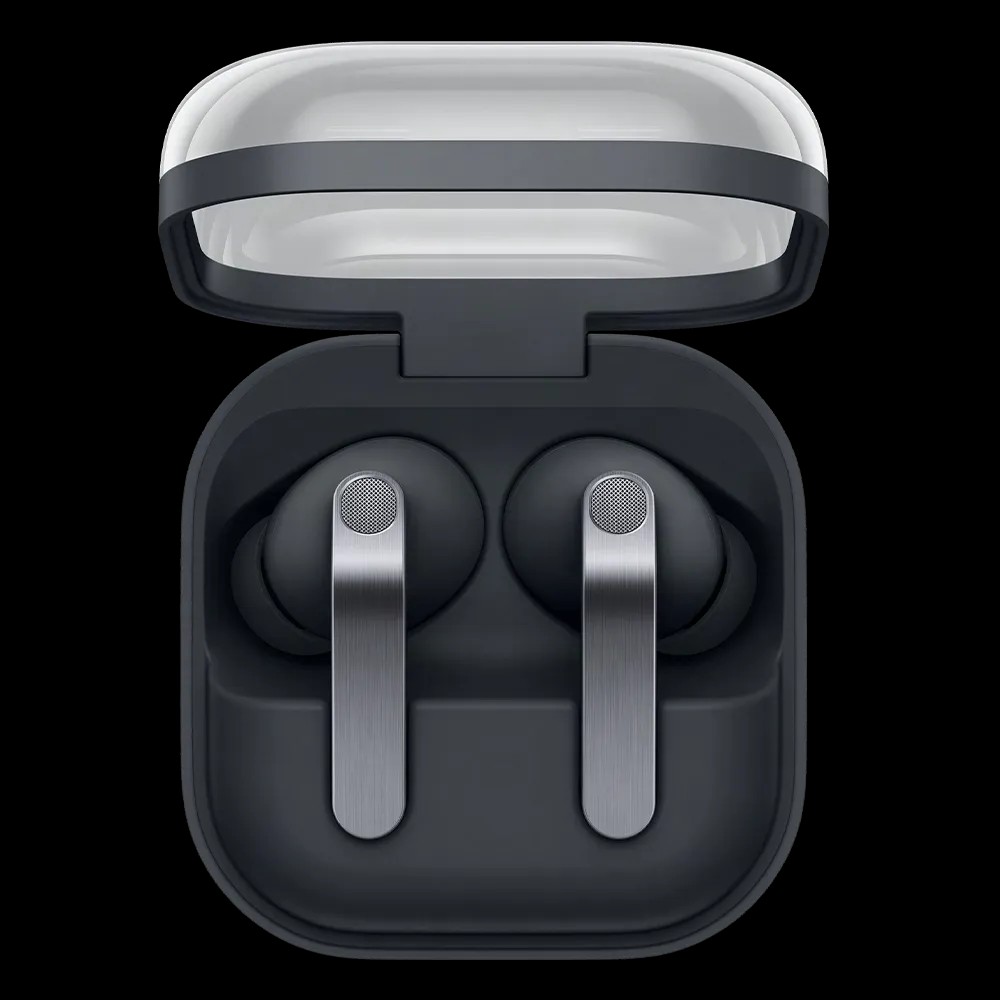
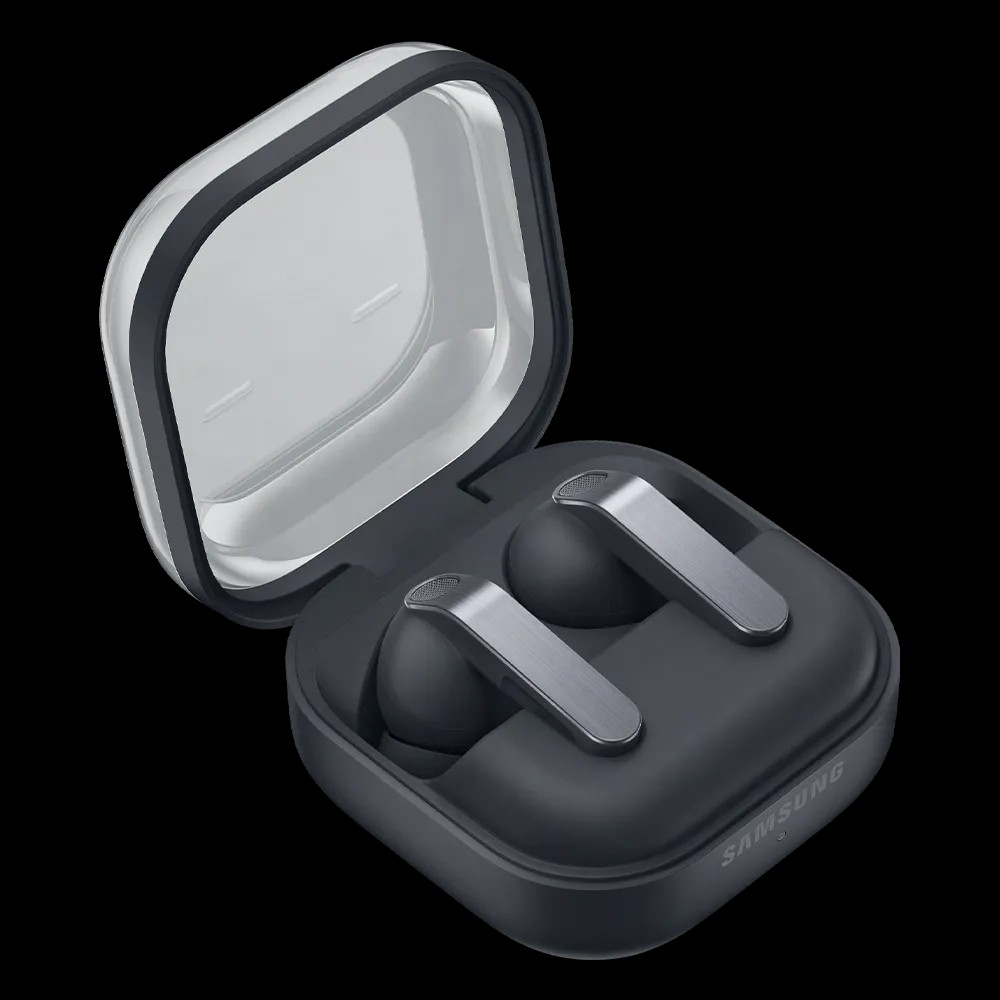
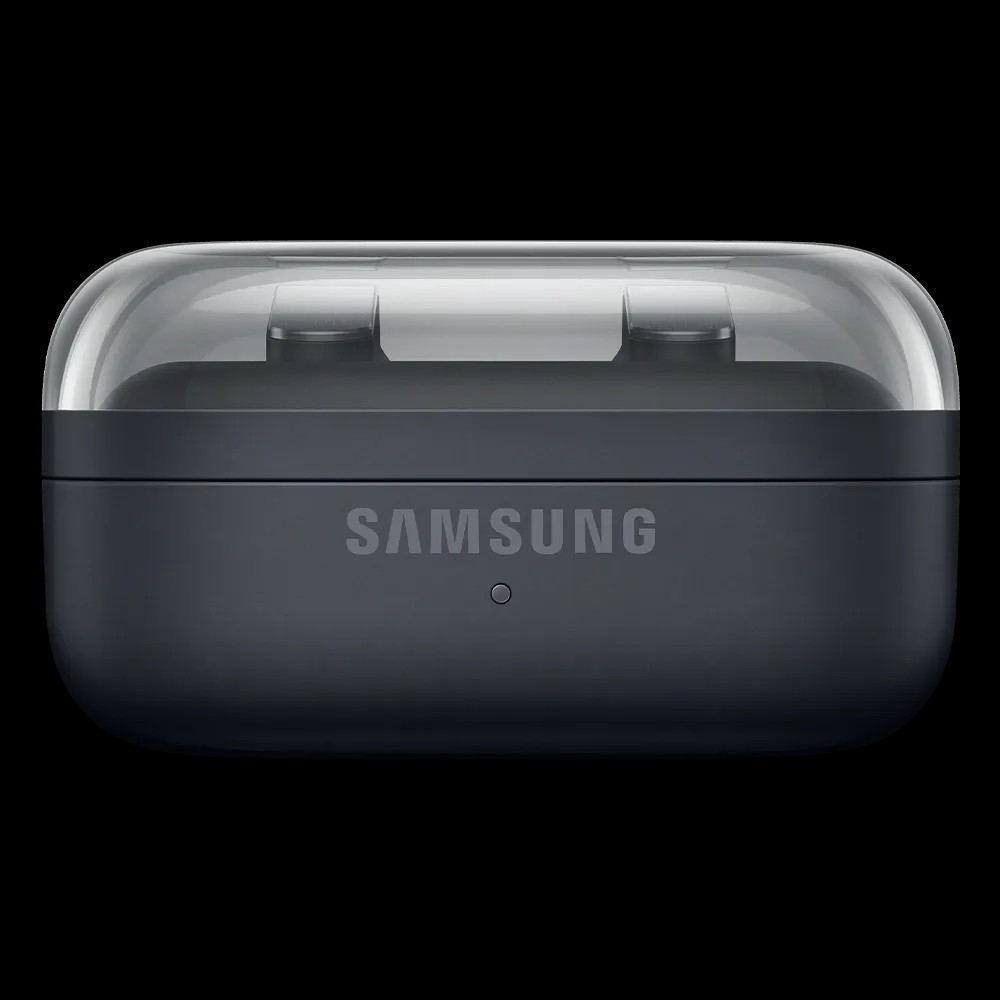
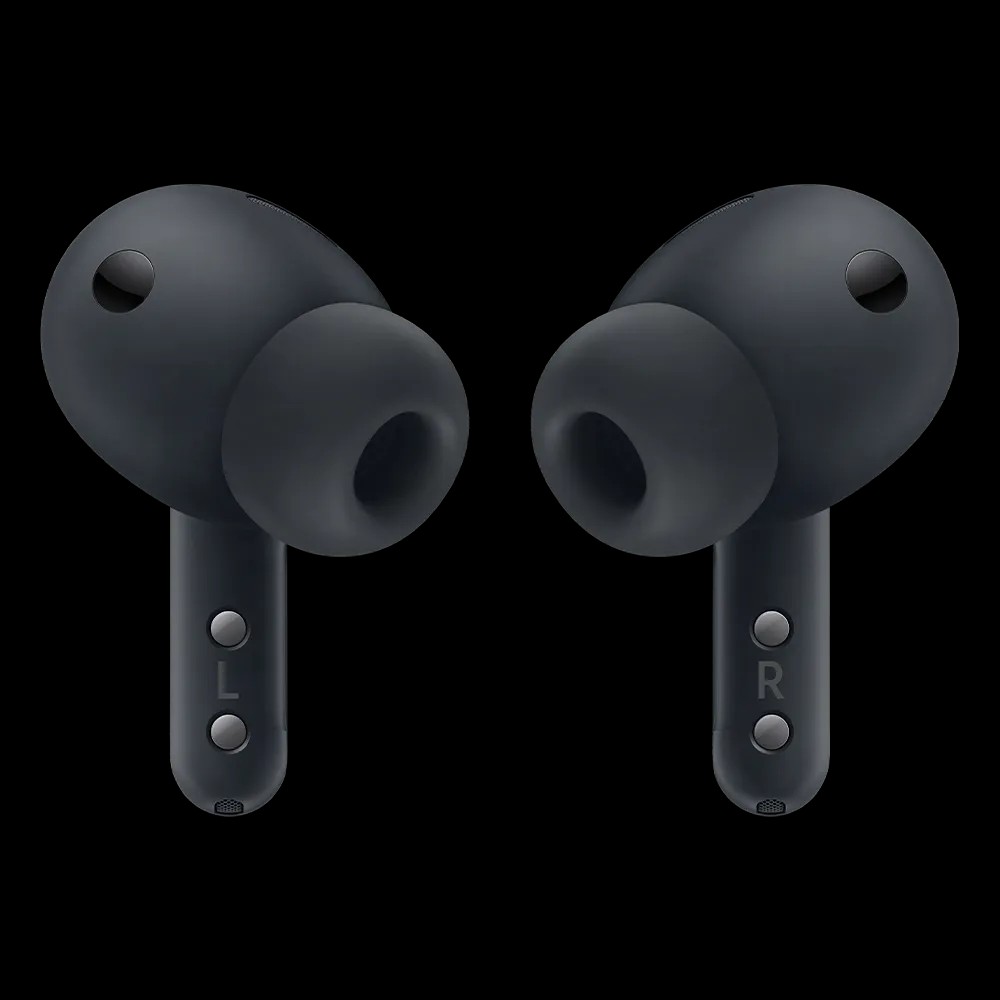
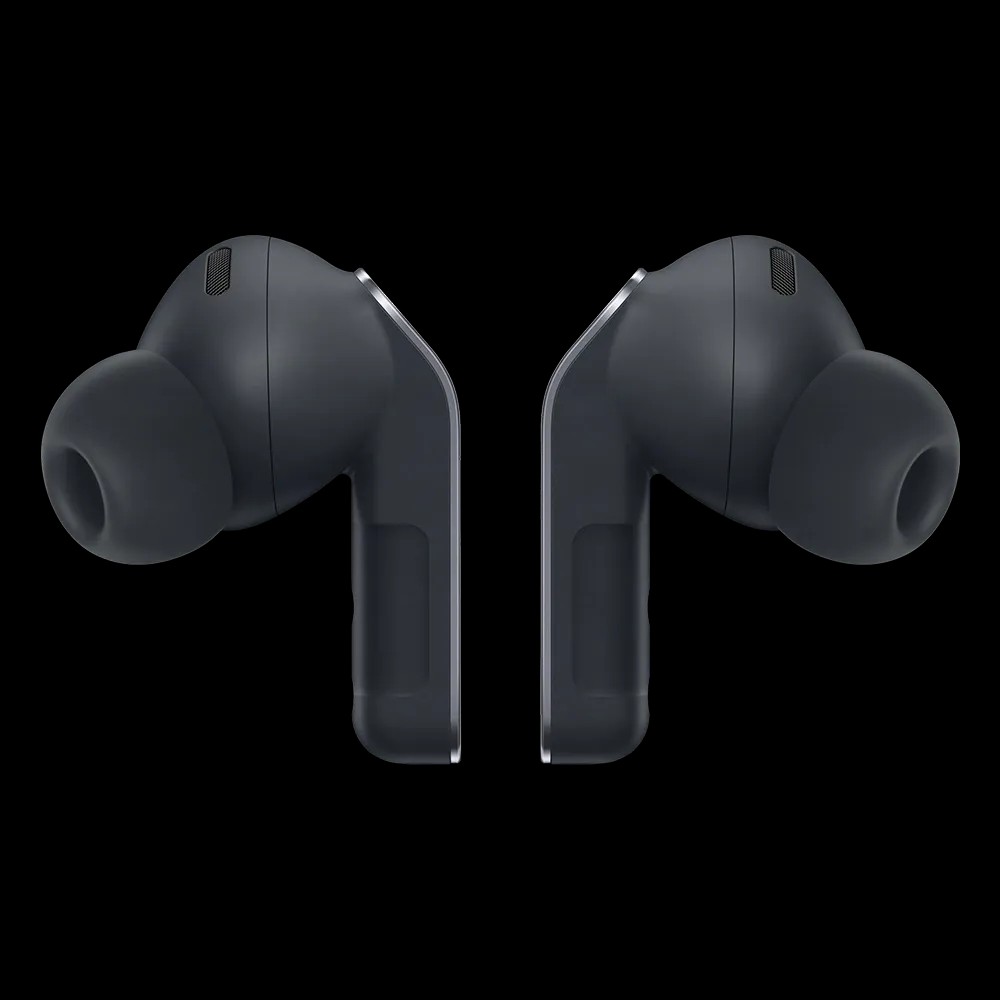
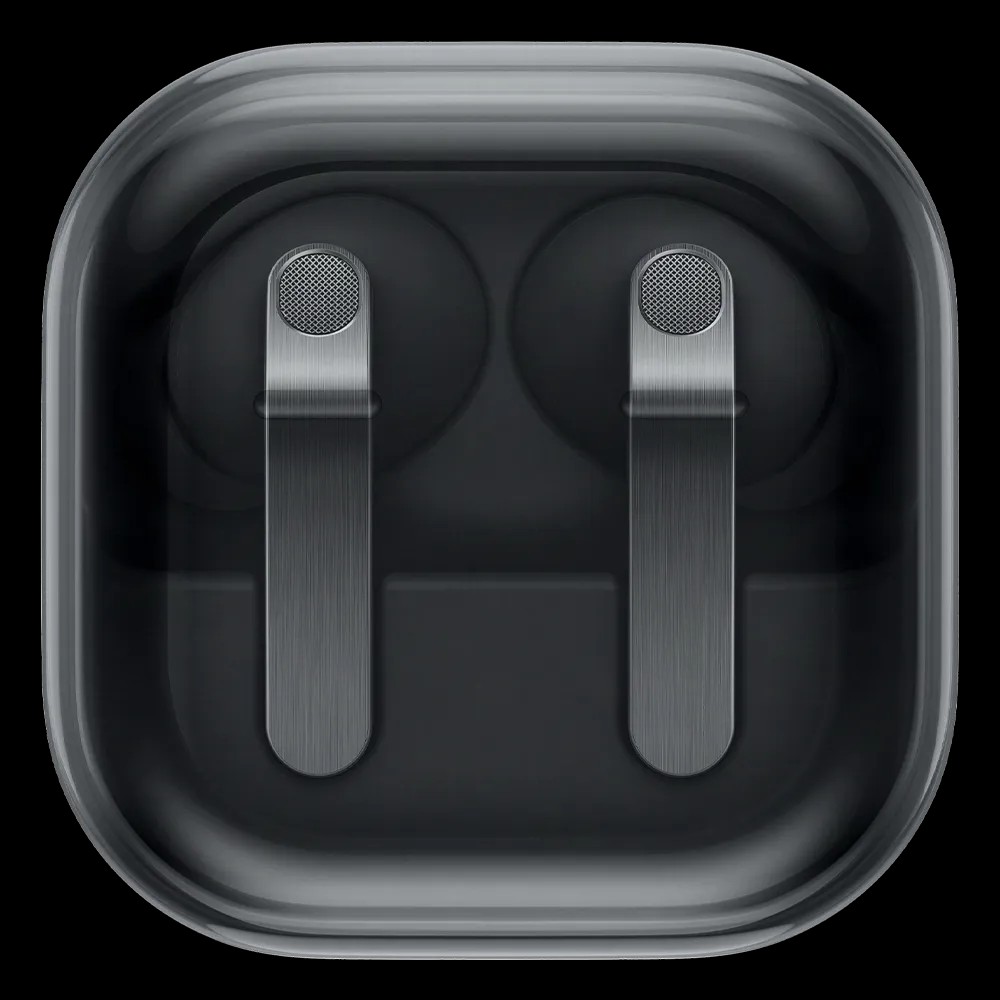
BackSamsung Galaxy Buds4 Pro
Your delivery
 Free express delivery around Australia.
Provided your order is approved by 12pm weekdays, the device is in stock and ready to ship, and depending on your location, you’ll get your order as early as the next business day. Your delivery date may change depending on the availability of other items in your cart, as everything is delivered at once.
Accessory information
Why buy these Galaxy Buds?
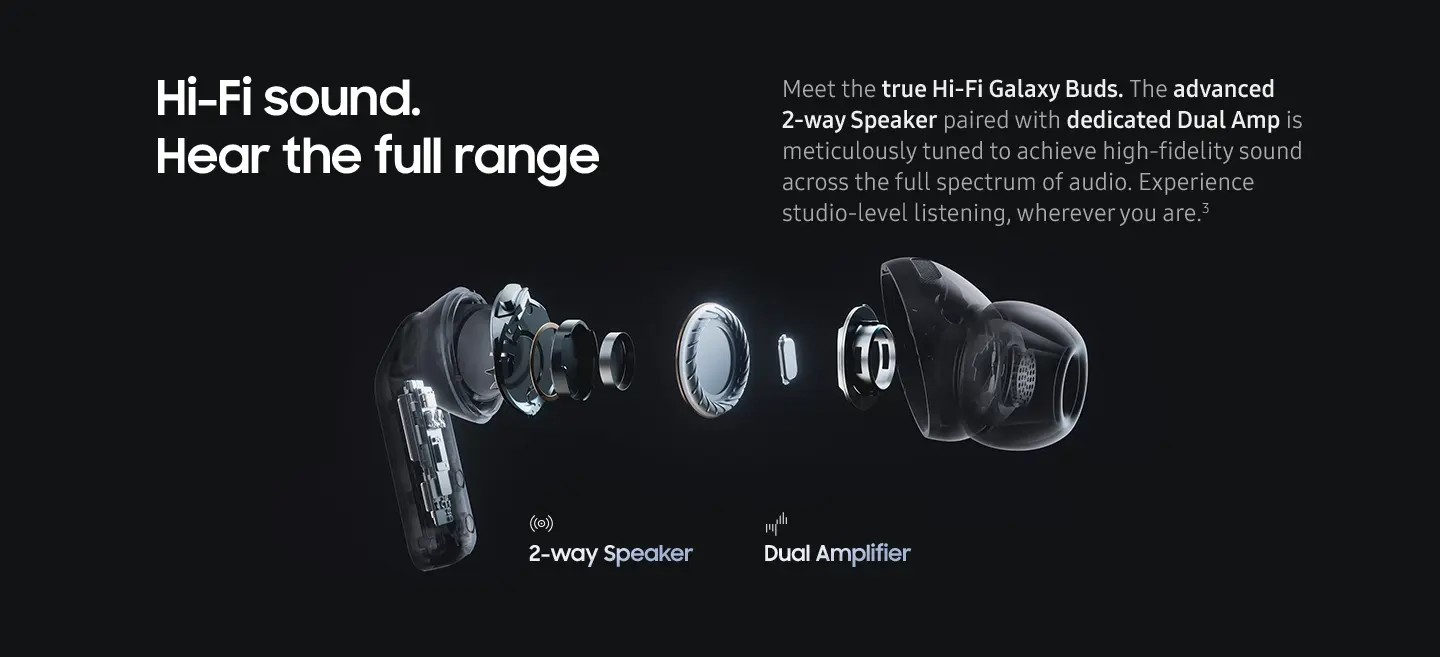
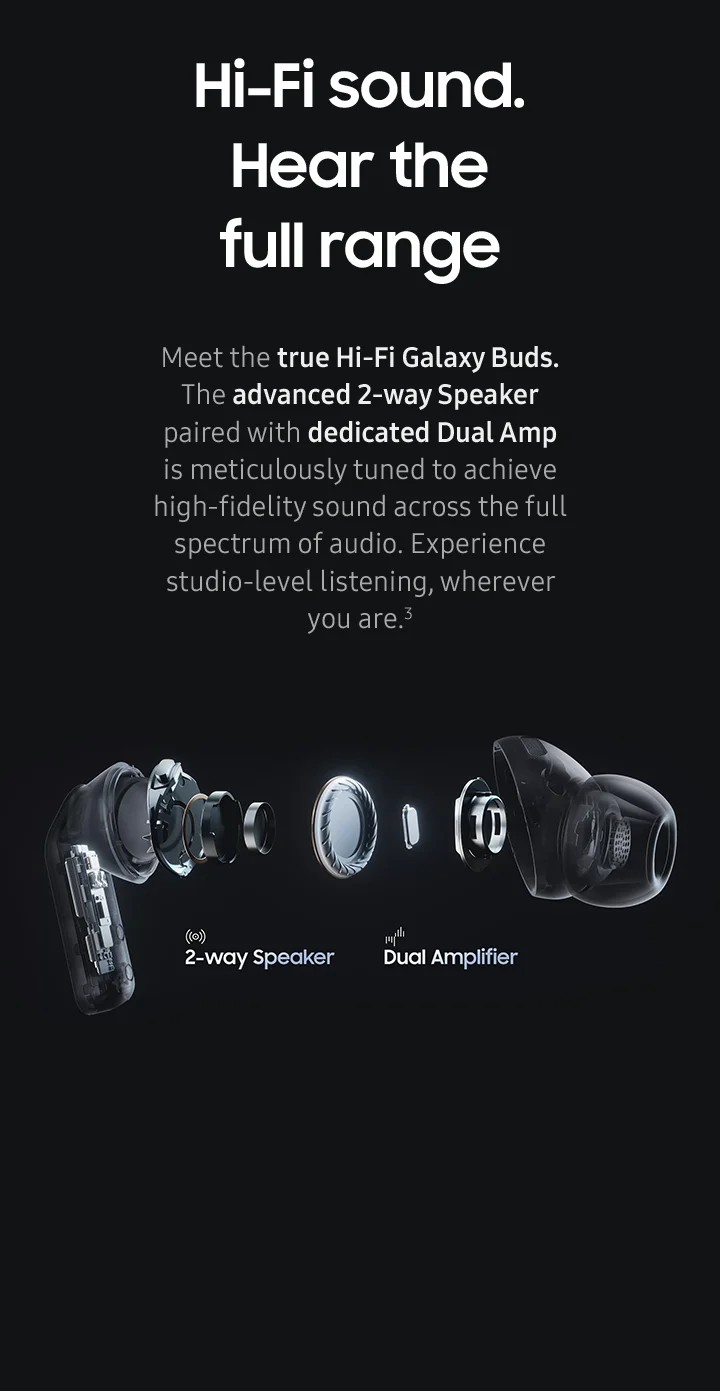
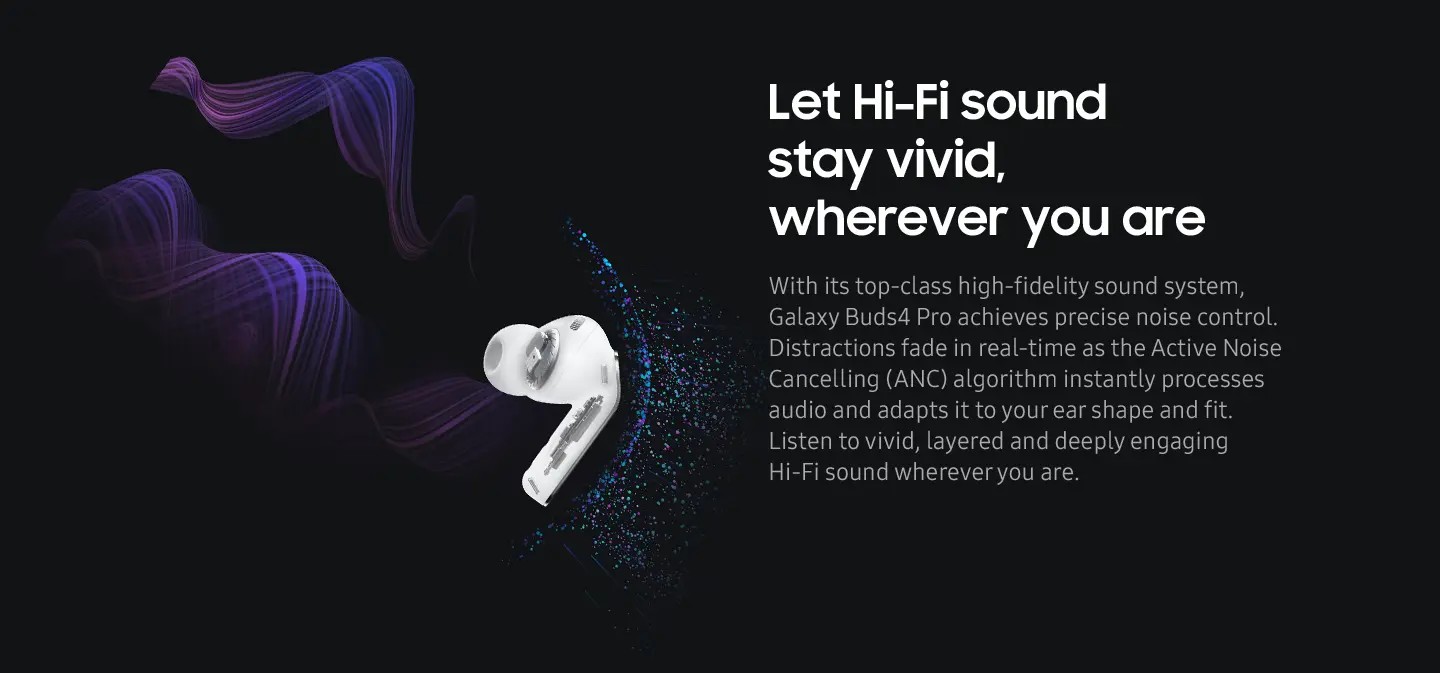
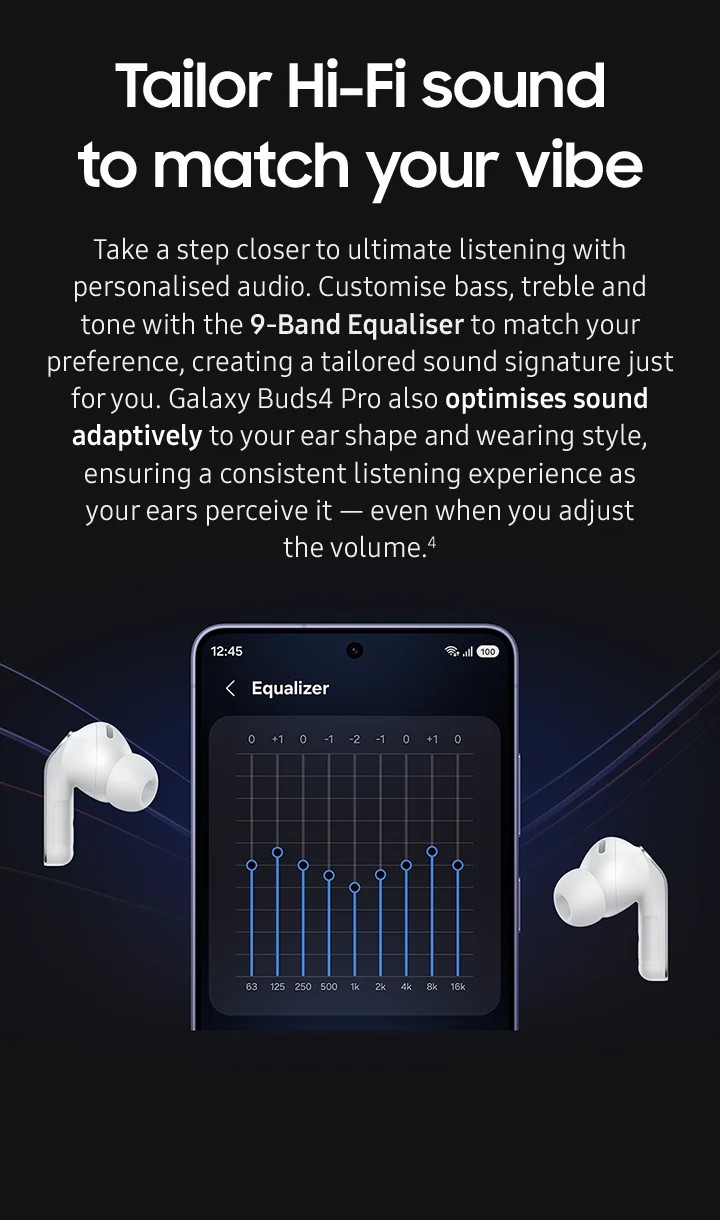
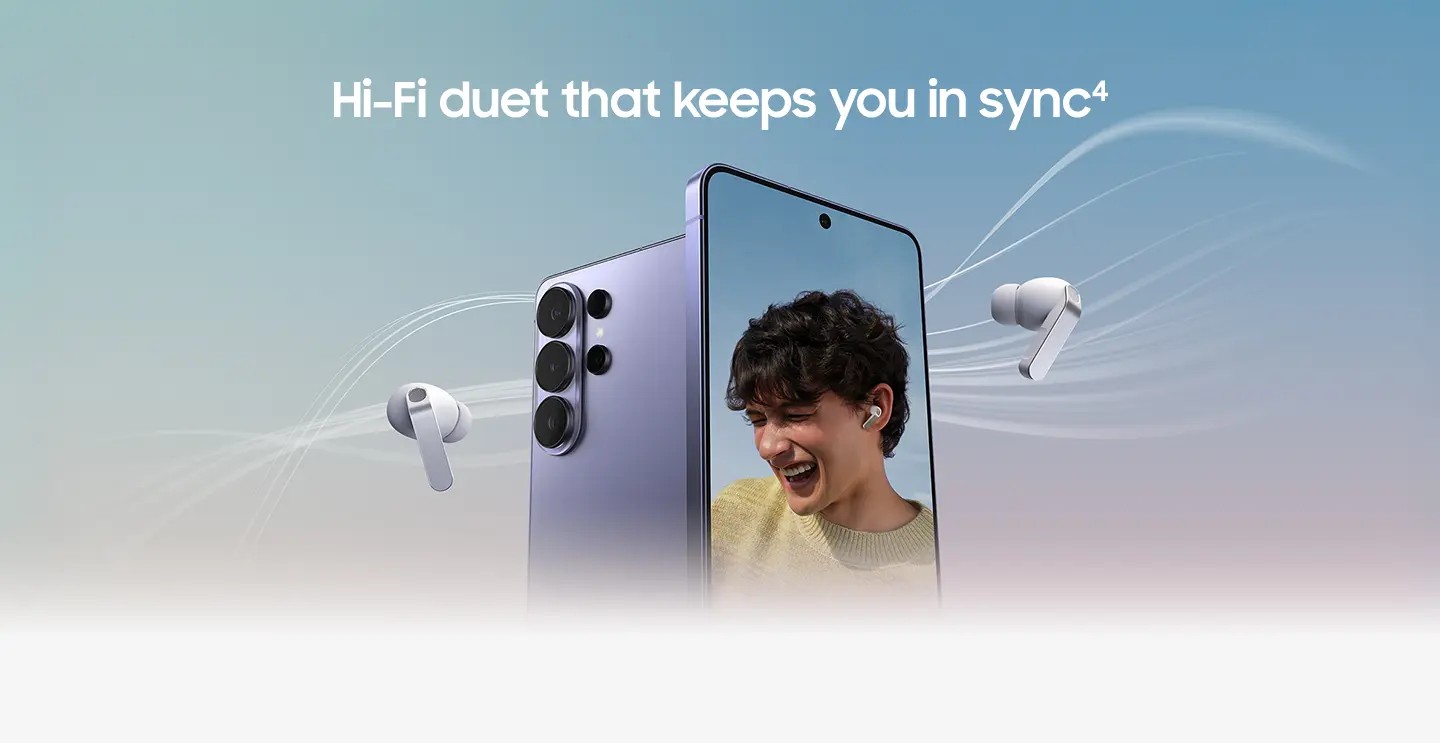
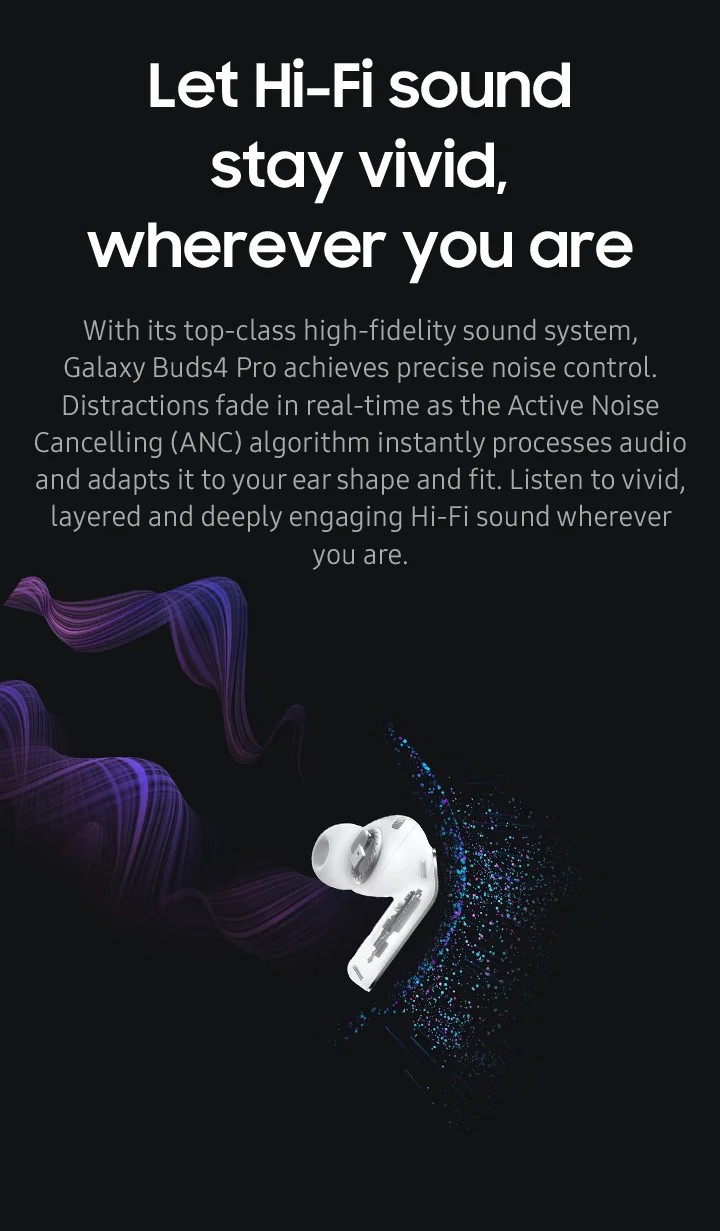
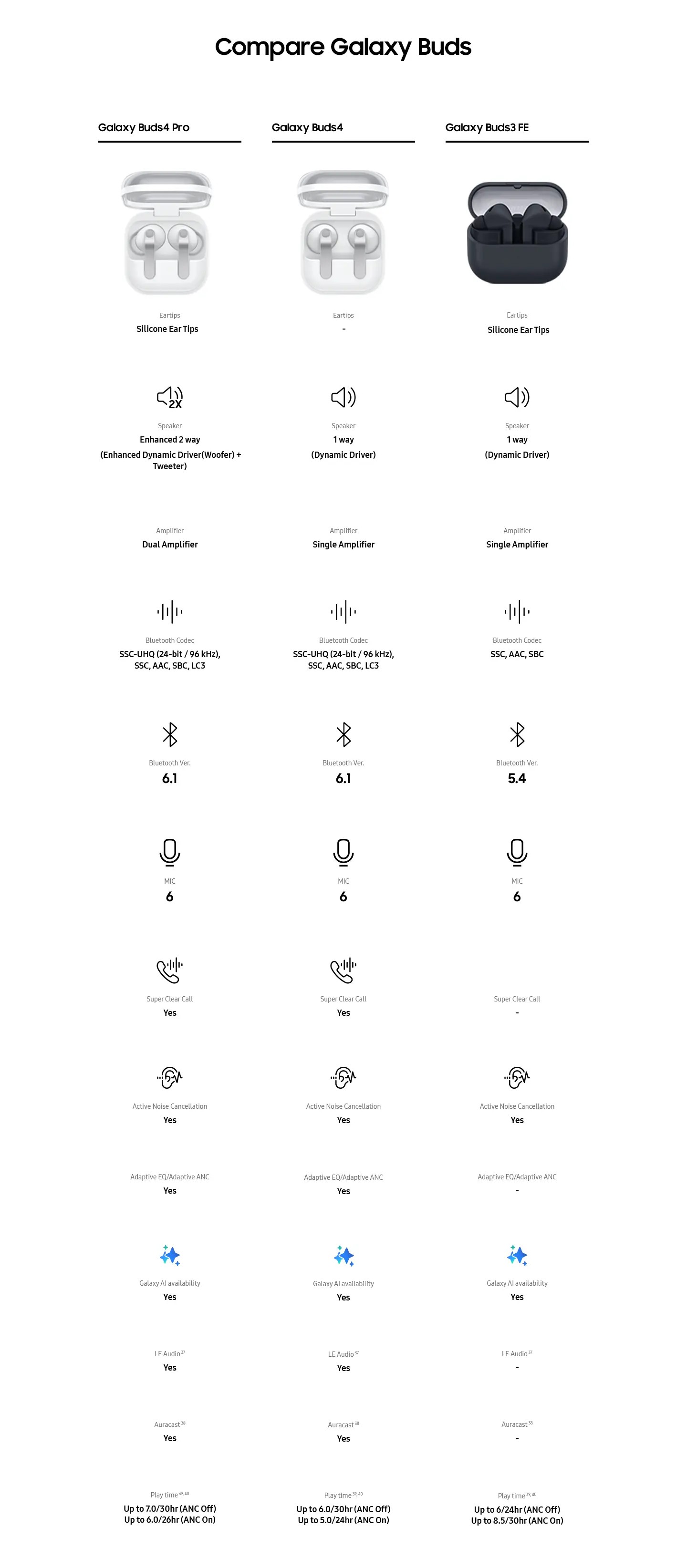
Experience a new way of listening with ultra high-fidelity sound on the new Galaxy Buds4 Pro. Redesigned 2-way speakers, next-generation ANC, and Adaptive EQ 2.0 bring every sound to life, delivering breath-taking depth, clarity, and control.
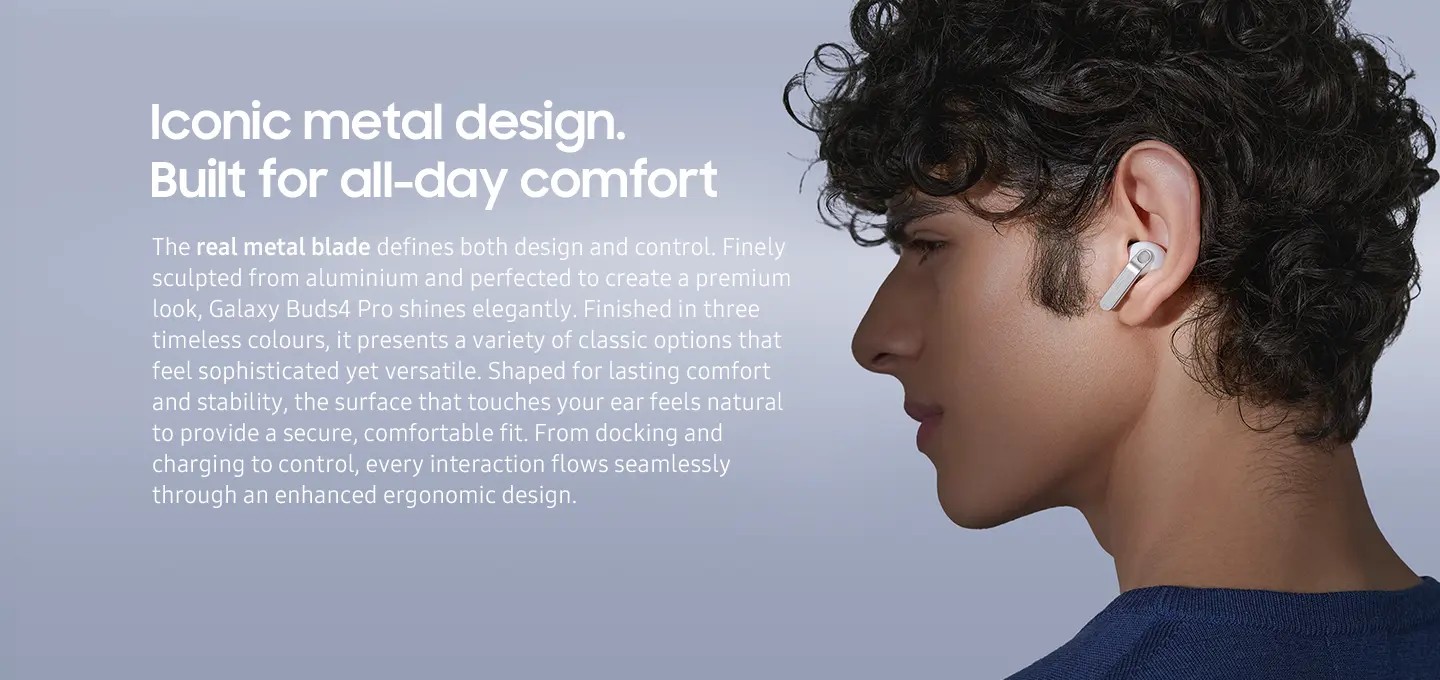
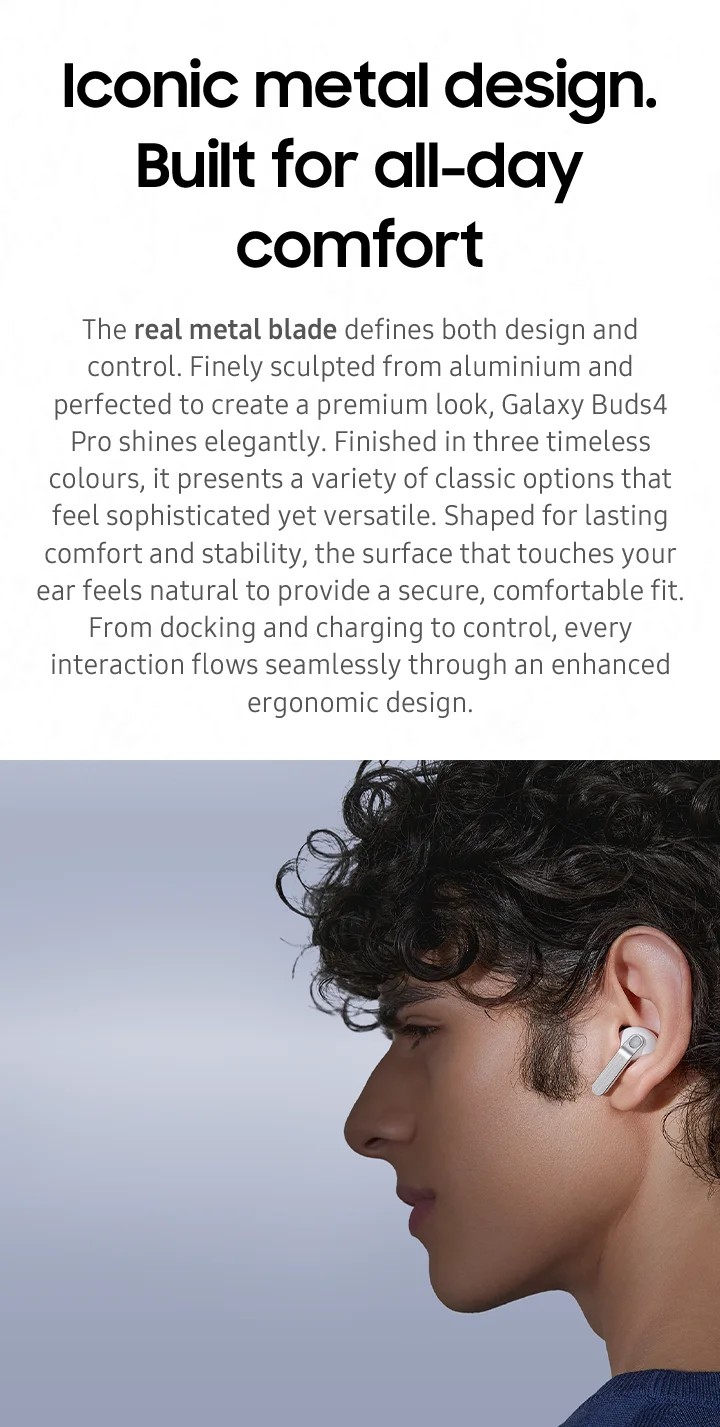
Enjoy the most comfortable and secure fit yet, redesigned for all-day listening. With consistent stability and soft, ergonomic design, they stay perfectly in place through long listening sessions, workouts, and everything in between.
Move through your day disruption-free with intuitive AI controls and enhanced call clarity, allowing you to react to notifications with smart head gestures and keep conversations clear no matter the setting. Unlock more listening time with power that lasts longer than ever on the new Galaxy Buds 4 Pro, and its reliable case charging that keeps the sound going wherever your day takes you. Make communication effortless and more natural than ever with Live Interpreter seamlessly translating voice calls, face-to-face conversations, and text messages across 20 languages.
Top features
- Next generation Adaptive Noise Control and Adaptive EQ 2.0 to adjust every sound
- Comfortable and secure fit for all-day listening
- Perfect call quality and advanced AI processing
- Interactive AI technology
- Enhanced battery
- Live Interpreter4 that seamlessly translates 20 languages
◊ Legal Disclaimers
1Availability of colours may vary.
2Wireless charger and cable sold separately.
3The new wider woofer on Galaxy Buds4 Pro has 19.8% larger diaphragm compared to Galaxy Buds3 Pro.
4Devices sold separately.
5Ultra High Quality Audio (UHQ) up to 24-bit / 96 kHz is available on Galaxy S26 Series, S25 Series, S24 Series, S23 Series, Z Fold7, Z Flip7, Z Fold6, Z Flip6, Z Fold5, Z Flip5 and Tab S11 Series, Tab S10 Series, Tab S9 Series with One UI 6.1.1 or above. Additional devices may be supported in the future.
6UHQ is off by default and can be configured directly in the phone settings for devices running One UI 8.0 and later. For devices running on earlier versions of One UI, configurations can be found in the Galaxy Wearable app.
7Super wideband (SWB) call is available on Galaxy S26 Series, S25 Series, Z Fold7, Z Flip7, Z Fold6, Z Flip6, A56, Tab S11 series and Tab S10 series with One UI 6.1.1 or above. Additional devices may be supported in the future. Super wideband call is available regardless of the call app. SWB may not be supported depending on the mobile network between devices.
8Each earbud contains three microphones (six in total across the device). The advanced DNN technology processes audio independently on each earbud, with no interaction between them.
9360 Audio is only available on Samsung Galaxy smartphones and Galaxy Tab devices with Android One UI version 3.1 or later, and selected Samsung TV models. Supported Samsung TV models include: Neo QLED 8K (QN900D, QN800D), Neo QLED 4K (QN95D, QN90D, QN87D, QN85D), OLED (S95D, S90D, S85D), QLED (Q80D, Q70D). Support for 360 Audio and head tracking may vary depending on the application and content.
10Adaptive Noise Control, Voice Detect and Siren Detect are off by default, and can be configured directly in the phone settings for devices running One UI 8.0 and later. For devices running on earlier versions of One UI, configurations can be found in the Galaxy Wearable app.
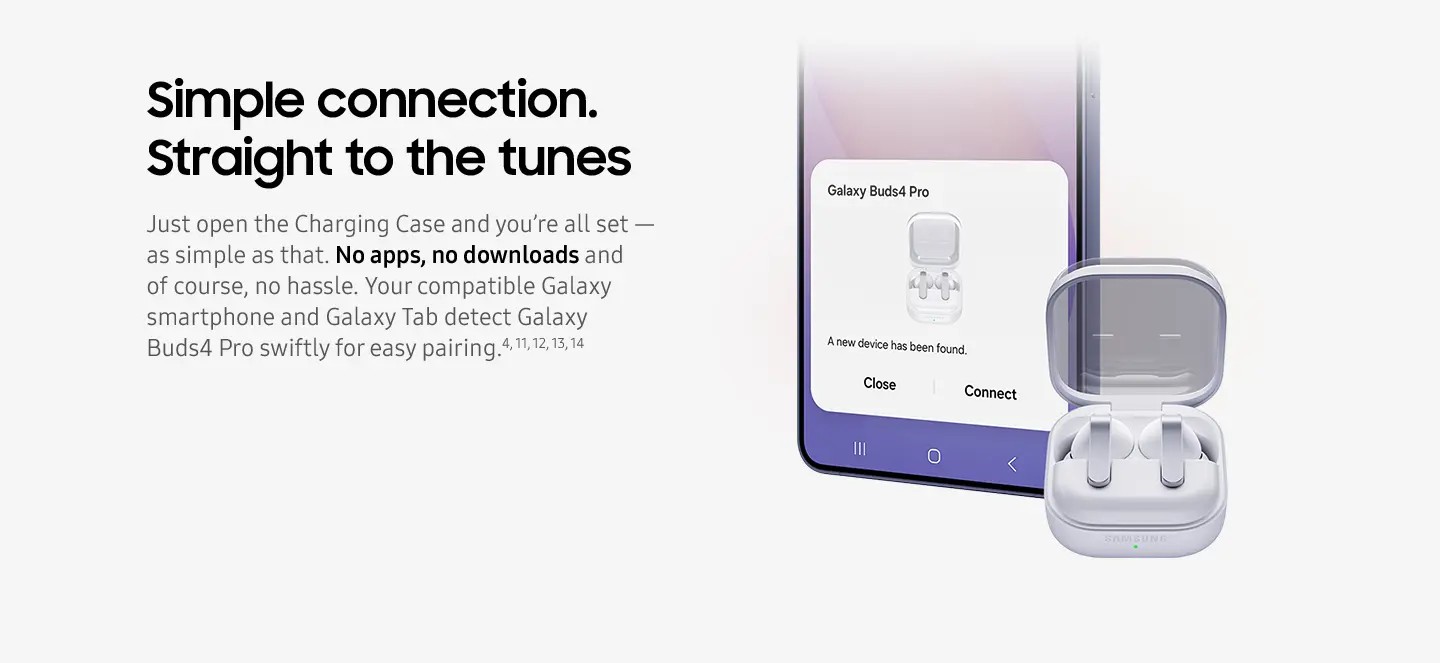
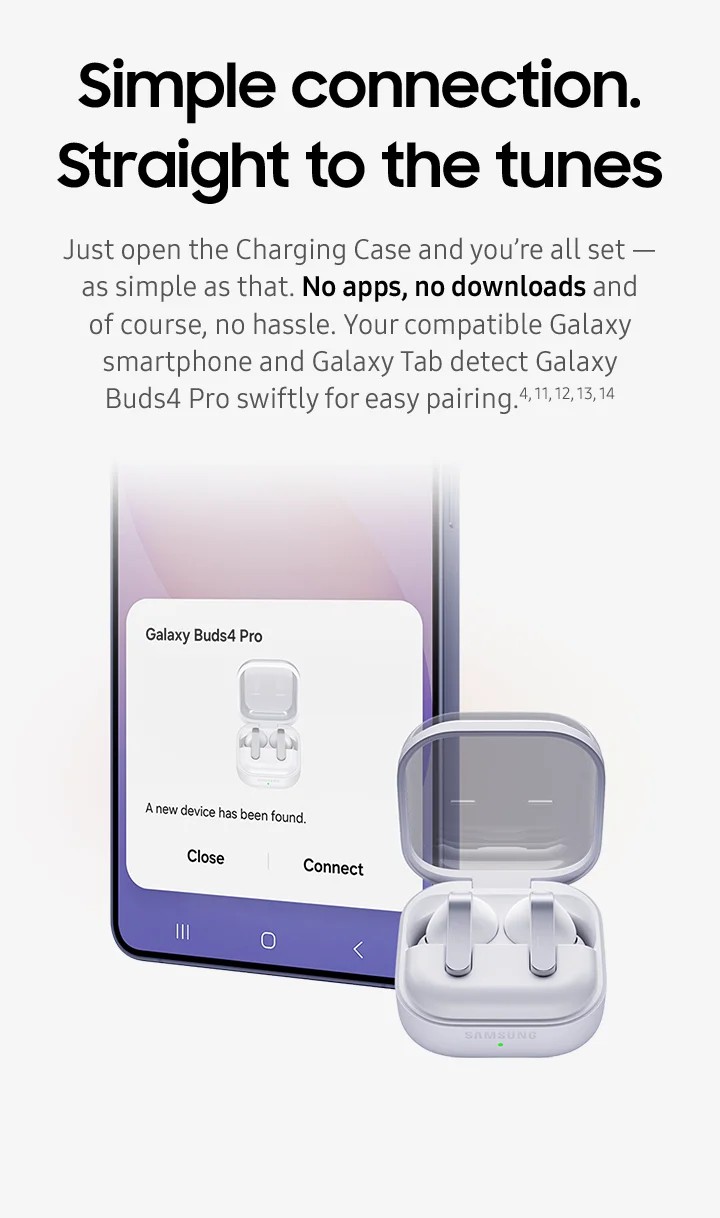
11Bluetooth must be turned on to pair Galaxy Buds4 Pro with Galaxy smartphone and Galaxy Tab.
12UnifiedMgr module may need to be downloaded based on the version of One UI. For devices running on One UI versions below 8.0, Galaxy Wearable app needs to be downloaded.
13Connecting Samsung Galaxy Buds as Bluetooth Audio is available regardless of OS but to configure advanced settings on the Galaxy Wearable app, Samsung Galaxy Buds must be paired with a smartphone with Android 11.0 or above and minimum 1.5 GB Memory.
14Samsung Account login is required to activate and change Galaxy Buds4 Pro settings on the Galaxy Wearable app.
15Samsung Account login is required to activate and change Galaxy Buds4 Pro settings. For devices running on One UI 8.0 or later, settings can be configured directly in the phone settings. For devices running on earlier versions, configurations can be found in the Galaxy Wearable app. Additionally, to use the Galaxy Wearable app, Samsung Galaxy Buds must be paired with a smartphone running Android 12.0 or above with at least 1.5 GB of memory. Galaxy Wearable app is not supported on iOS.
16Connecting Samsung Galaxy Buds as Bluetooth Audio is available regardless of the OS.
17Galaxy AI features are currently free of charge, with any specific plans for premium AI services to be decided in close coordination with our partners. There are currently no plans to charge for Galaxy AI features, however different terms may apply to other AI features provided by third parties, at the end of 2025.
18Voice wake-up is off by default, and can be configured directly in the phone settings for devices running One UI 8.0 and later. For devices running on earlier versions of One UI, configurations can be found in the Galaxy Wearable app.
19Bixby is supported on most Samsung Galaxy smartphones and Galaxy Tab devices. Bixby provides real-time answers on devices running on One UI 8.5 or later. Service availability may vary by country, service provider, device model and OS version.
20Bixby supports 9 languages: Korean, English, German, French, Italian, Spanish, Portuguese, Chinese (Simplified) and Japanese.
21UnifiedMgr module may need to be downloaded based on the version of One UI. For devices running on One UI versions below 8.0, Galaxy Wearable app needs to be downloaded.
22Adaptive Noise Control, Voice Detect and Siren Detect are off by default, and can be configured directly in the phone settings for devices running One UI 8.0 and later. For devices running on earlier versions of One UI, configurations can be found in the Galaxy Wearable app.
23The new wider woofer on Galaxy Buds4 Pro has 19.8% larger diaphragm compared to Galaxy Buds3 Pro.
24Ultra High Quality Audio (UHQ) up to 24-bit / 96 kHz is available on Galaxy S26 Series, S25 Series, S24 Series, S23 Series, Z Fold7, Z Flip7, Z Fold6, Z Flip6, Z Fold5, Z Flip5 and Tab S11 Series, Tab S10 Series, Tab S9 Series with One UI 6.1.1 or above. Additional devices may be supported in the future.
25UHQ is off by default and can be configured directly in the phone settings for devices running One UI 8.0 and later. For devices running on earlier versions of One UI, configurations can be found in the Galaxy Wearable app.
26Super wideband (SWB) call is available on Galaxy S26 Series, S25 Series, Z Fold7, Z Flip7, Z Fold6, Z Flip6, A56, Tab S11 series and Tab S10 series with One UI 6.1.1 or above. Additional devices may be supported in the future. Super wideband call is available regardless of the call app. SWB may not be supported depending on the mobile network between devices.
27Each earbud contains three microphones (six in total across the device). The advanced DNN technology processes audio independently on each earbud, with no interaction between them.
28Bluetooth must be turned on to pair Galaxy Buds4 Pro with Galaxy smartphone and Galaxy Tab.
29UnifiedMgr module may need to be downloaded based on the version of One UI. For devices running on One UI versions below 8.0, Galaxy Wearable app needs to be downloaded.
30Connecting Samsung Galaxy Buds as Bluetooth Audio is available regardless of OS but to configure advanced settings on the Galaxy Wearable app, Samsung Galaxy Buds must be paired with a smartphone with Android 11.0 or above and minimum 1.5 GB Memory.
31Samsung Account login is required to activate and change Galaxy Buds4 Pro settings on the Galaxy Wearable app.
32Galaxy Buds4 Pro can be connected to iOS devices but cannot be controlled through the device as Galaxy Wearable app is not supported.
33Basic Samsung Galaxy AI features are free. Future releases may be offered on a paid basis. Different terms may apply for third party AI features. https://www.samsung.com/au/terms/samsung-services/
34Interpreter is available on smartphone devices with Galaxy AI features included, running on One UI 6.1.1 or later.
35Galaxy Buds4 Pro supports Galaxy AI features such as Interpreter and Live Translate when paired with compatible Samsung Galaxy devices. Availability of Galaxy AI features may vary by device model. Samsung Account login may be required to use certain Samsung AI features. Samsung does not make any promises, assurances or guarantees as to the accuracy, completeness or reliability of the output provided by AI features. Supported languages (Regions) are Arabic, Bahasa Indonesia, Chinese Simplified, Chinese Traditional (Hong Kong, Taiwan), Dutch, English (Australia, India, United Kingdom, United States), French (Canada, France), German, Hindi, Italian, Japanese, Korean, Polish, Portuguese (Brazil, Portugal), Romanian, Russian (Russian Federation), Spanish (Mexico, Spain, United States), Swedish, Thai, Turkish, Vietnamese, Tagalog, Gujarati. More languages will be added in future updates.
36Auto Switch feature is only available on Samsung Galaxy smartphones and Galaxy Tab devices with One UI 4.1.1 or later and Galaxy Watch4 series or later. Samsung Galaxy devices must be logged in to Samsung Account to enable the Auto Switch feature. Auto Switch feature for Samsung TV is only available on Samsung TVs launched Feb ’22 or later after getting a firmware update from Jul ’22. Auto Switch with TV is only available for making and receiving phone calls.
37Galaxy Buds use LC3 Codec when audio is transmitted over LE Audio. The availability of LE Audio may vary depending on the paired device and the audio features used. For LE Audio to function, the paired device must support it.
38Auracast™ is a trademark of Bluetooth SIG, Inc.
39Actual battery life may vary and depend on usage conditions, settings, number of times charged, Bluetooth signal strength, and other factors.
40Actual Play time may vary based on settings.

- Adaptive Noise Control
- Ambient Mode
- Interactive AI
- Live Interpreter
- Enhanced 2-way Speaker

- Earbuds: 18.3 x 19.6 x 30.9mm
- Case: 51.0 x 51.0 x 28.3mm

- Earbuds: 5.1g
- Case: 44.3g

- Skin detect
- Force Touch & Swipe
- Head Gesture
- 360 Audio with head tracking

- Bluetooth® v6.1

- Galaxy Buds4 Pro
- Charging Case
- Ear tips (S/M/L)
- Quick Start Guide

- Galaxy AI
- Auracast
- Wireless Charging